I haven’t seen anyone report this yet. My notebooks is failing even before it generate the v1 image.


Hi, I just tried mine right now and it worked fine
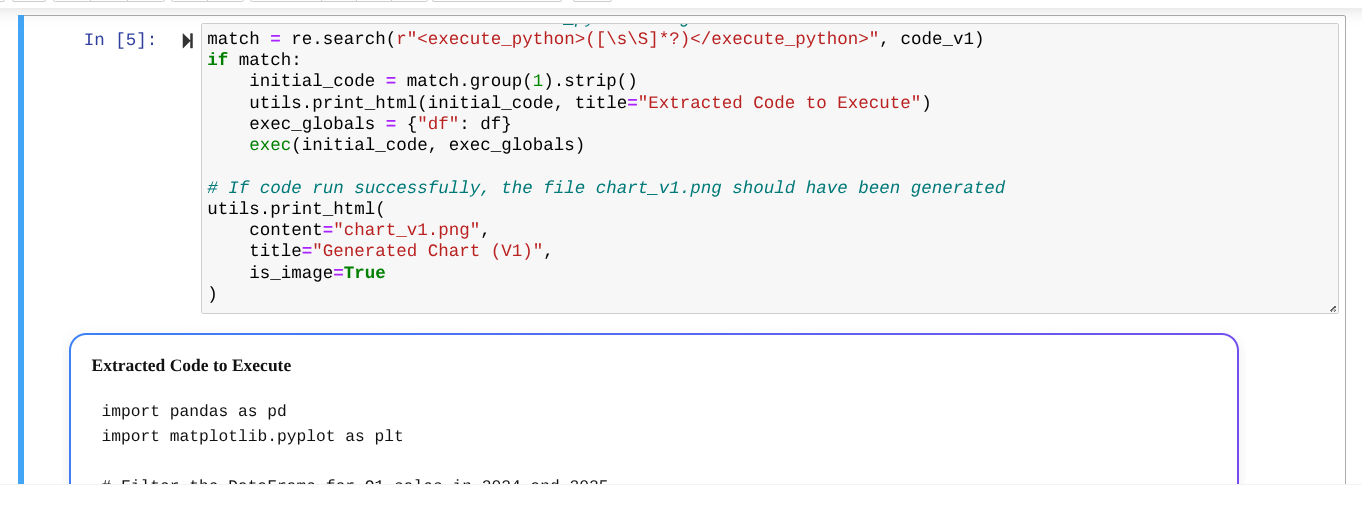
I suggest you try refreshing the lab by clicking on the save button at the top left and then the three dots at the top right and selecting “restore original version”.
1 Like
I’m seeing the same error on the same step, haven’t changed any of the code yet. I just kept running the cells below it and the reflected version still generated an output, but this initial one did not. Also in the last cell when it suggests changing the prompt, I made a minor change to the prompt string and the code fails on Step 2 ‘Executing the chart code’ with this error. NameError: name ‘pd’ is not defined
which looking at the code it generated is corrected it didn’t import pandas as pd ever.
My take is that this code generation would benefit from some additional reflection  . I think I got the point of the lab but it underscored how dynamic and unpredictable a primitive agent/llm could be to me.
2 Likes
@dpavelko The error suggests that the data frame is being used directly with a string for concatenation (an incompatible operation) and that is why the generated code is failing. So, go to the 1st prompt where you are giving instructions to generate the code and add an explicit instruction such as “Ensure that the code generated coverts data frames to strings when concatenating them with string.” Then save and run and continue to use the generated code to generate the chart. It works fine thereafter. Not sure if this was an intended objective.
2 Likes
I have the same issue.
This seems to be one of those situations where it’s just as difficult to write the prompt, as it is to write the native code yourself. Both methods require the same knowledge of the intricacies of Python data types.
I am getting exactly the same error.
Your suggested fix does not work, still getting the same error