Module # must be added in the tags option of the post. (ex: Module-1)
Link to the classroom item you are referring to:
Description (include relevant info but please do not post solution code or your entire notebook)
C4_W3_Assignment of Data Modeling, Transformation and Serving week 3
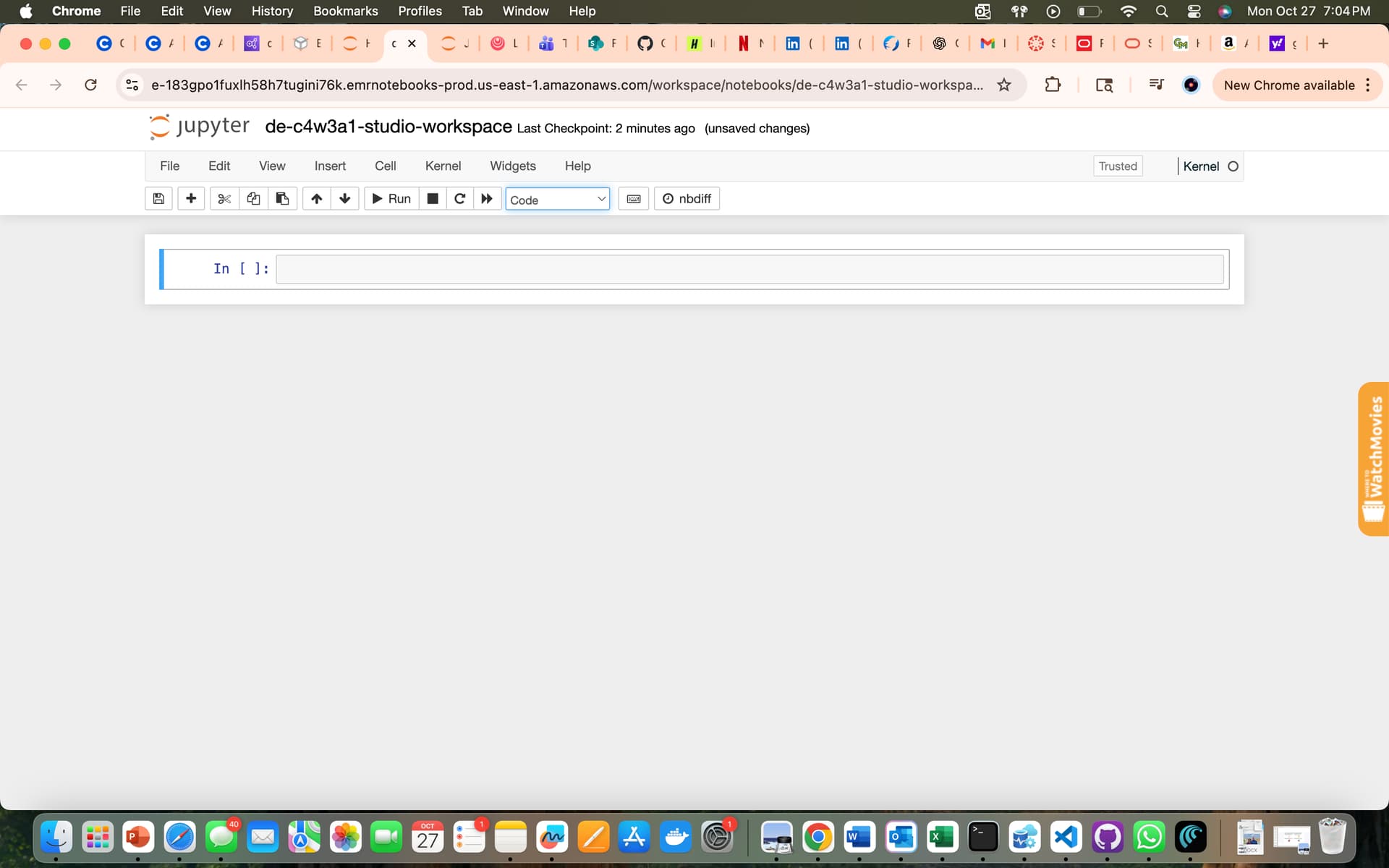
I created workspace `de-c4w3a1-studio-workspace` and I launched it in jupyter but i found the file is empty i didn’t file any codes inside the files i am attaching the screenshots where got struck. Help me to carry forward how to get the codes in jupyter codes back.
@Community-Team@hawraa.salami i didn’t get any reply for my post i want to complete this assignments as early as possible before i get charge for next week. Please help me with this i have filled the form multiple times but my AWS was not yet reset.
@msvamsidharreddy I will check the lab tomorrow and get back to you. But it doesn’t look like there’s a problem with your AWS account. Did you make sure to run the two commands in step 1.9?
@hawraa.salami my AWS link is not opening when i tried to run the console command i am not getting any link for aws console. I attached the screenshot.
And i tried to run this command “*cat /home/coder/vocapi_logger > vocapi_logger”
i got this file
vocapi logger
Run count initialized to 0
.aws directory and aws_console_url file are created
Running the vocapi_call at Fri Dec 5 03:25:47 AM UTC 2025
Using LAB_SPACE_ID: vogrettdaiyk
START_LAB_DATA received: {‘lab_data’: {‘partid’: ‘3581688’, ‘assignmentid’: ‘3581687’, ‘courseid’: ‘62825’}}
Unsuccessful vocapi call to start lab
Error: Failed operation: Start. Your total lab usage time of 1801 minutes has exceeded the total allocated time of 1800 minutes
Initial Lab state: Terminated
Final Lab state after loop: Terminated
AWS Console URL extracted:
AWS credentials file created at /home/coder/.aws/credentials
AWS config file created at /home/coder/.aws/config
Running the vocapi_call_get_aws_console_url at Fri Dec 5 03:25:48 AM UTC 2025
Current run count: 0
Using LAB_SPACE_ID: vogrettdaiyk
START_LAB_DATA received: {‘lab_data’: {‘partid’: ‘3581688’, ‘assignmentid’: ‘3581687’, ‘courseid’: ‘62825’}}
vocapi response status: success
Extracted AWS Console URL
AWS Console URL written to /home/coder/.aws/aws_console_url
Run count incremented to: 1
Run count written to /home/coder/vocapi_call_run_count
Starting the 2-hour wait at Fri Dec 5 03:25:51 AM UTC 2025
Starting the vocapi_call_wrapper at Fri Dec 5 03:25:51 AM UTC 2025
Iteration 1 of 8 started at Fri Dec 5 03:25:51 AM UTC 2025
Sleeping for 900 seconds before next iteration…