[Assignment 4: Capstone Project Part 1 - ETL and Data Modeling] how do I start from scratch the Capstone Project Part 1. terraform keep crashing, connections are failing,
Hello @bravus
Please, fill out this lab refresh form.
Hello @bravus
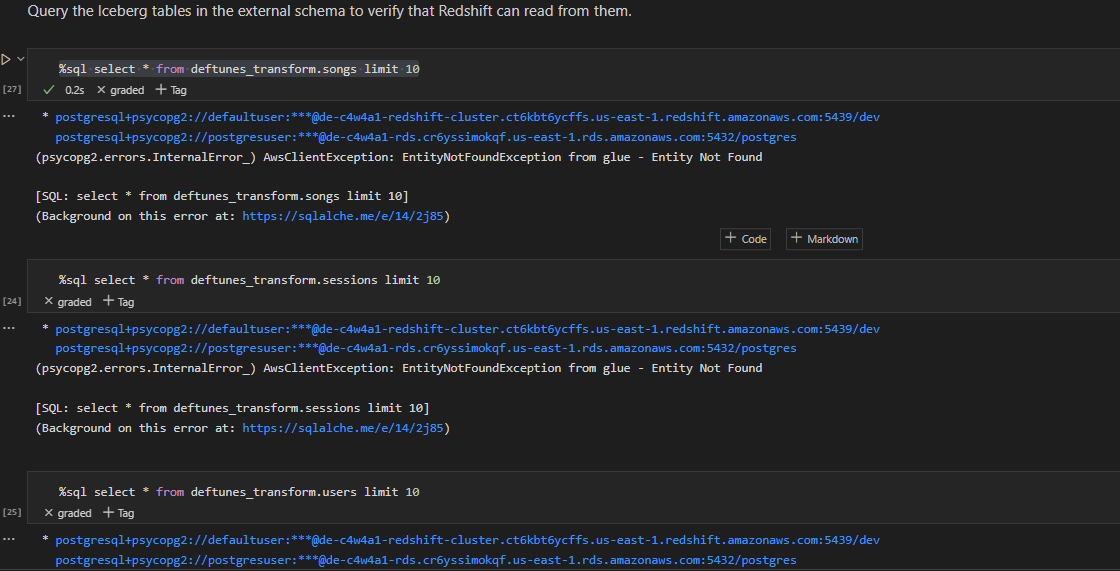
My guess is that something went wrong with step 5.1.1. When you run terraform apply -target=module.serving, is the command successful? Also, please make sure that all the glue jobs in the previous steps are completed successfully.
Honestly after refreshing the lab now the apiendopint do not connect. is there a way to fix this ?
Thanks
I had experienced the same issue and the only way to proceed is to wait until the AWS resources completely expired and destroyed.
It could be helpful to do this on your own. I tried to do it with terraform destroy command but the configuration was still there.
Thank you the lab form has resolved the issue. However, I have another issue, which is terraform plan is crashing the terminal. I do not even get to terraform apply. I appreciate your team’s effort to assist, but this lab refresh form has proven ineffective with regards to terraform init, plan and apply.