I want to like/mark a video so that I can revise it later; how do I do that?
Look at the bottom of the video, there might be some options there, never used them myself though!
There is nothing , I used to like the videos in coursera and that’s my assumption to revisit a video.
I need this feature immediately, please.
Post a screenshot let me have a look at it!
hi @Sanjib_Saha
There is no such feature.
As far as you can download the lecture slides which are the same as videos, and download if you are doing a course, mark the slides in your system with folder name you want to check topic. This is how I managed, as I saved every course and week lecture slides with the topic it covers, so when I open a folder, I know what topics that week covered.
Sorry to say that this is a pretty inefficient way to review/revise. I have already written to deeplearning.ai support and expect they would come back with a feature where I can bookmark a video with a note. This feature is commonly available is some other learning platforms already.
When you say “revise”, do you mean “review” or “refer to” or “revisit“?
Yes, I mean “review” or “refer to” or “revisit“. I want to revise that topic/video again.
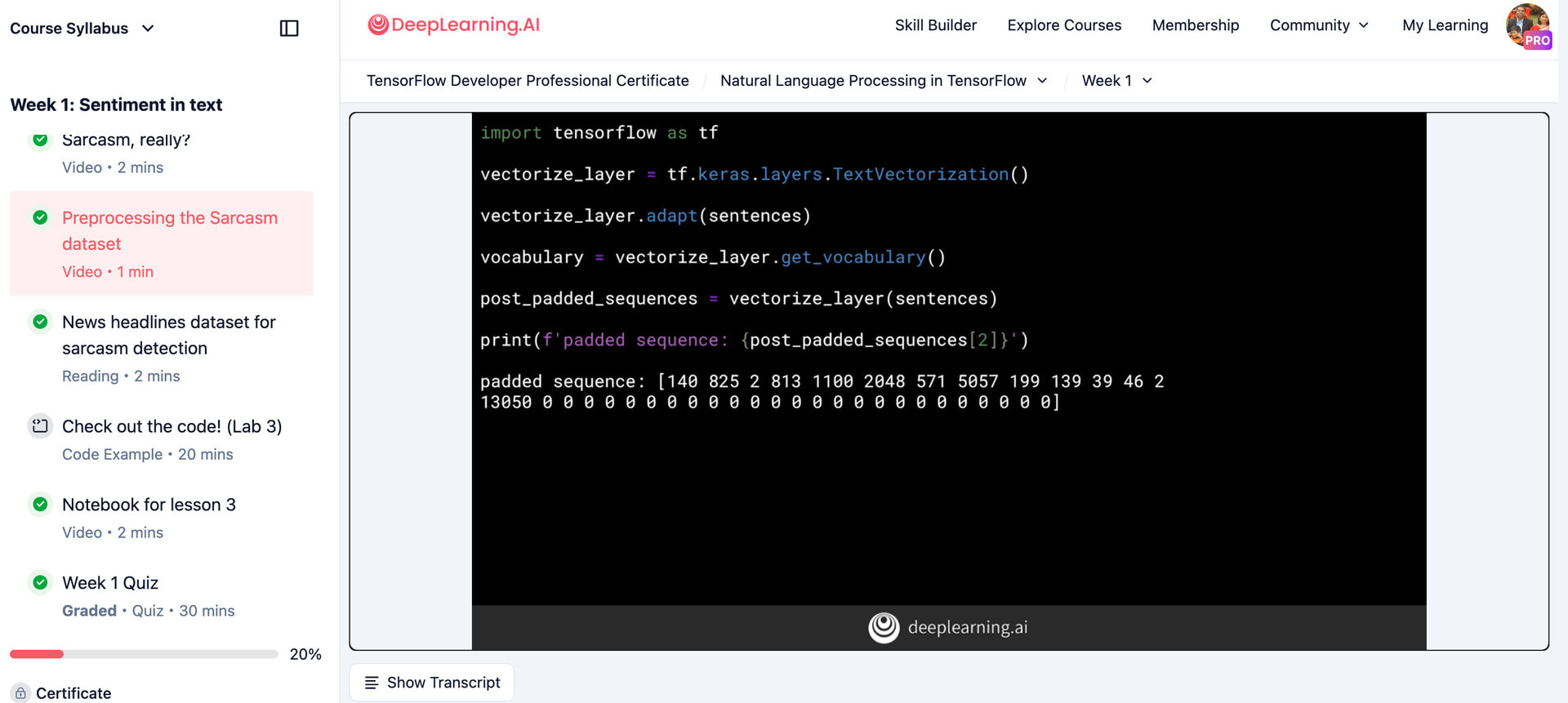
True there is no such feature, maybe it can be added from the designers, @chris.favila