
Good morning, how are you?
I have an error in Ex4 of the final project for the Python for Data Analytics course. Could you help me?
I think you might have deleted a cell here somewhere. Can you reset the Lab? Search in the forum for how to reset the album about this specialization!
Hi @Federico_Moontero. Like @gent.spah already suggested, you can follow the instructions here to reset your notebook, just like you did for the other lab 
I tried resetting kernel and output, but it didn’t work. I also tried rebooting, but it didn’t work. I’ll keep trying. This happens to me on several notebooks. There’s no definitive solution.
Not resetting those, you need to reset the notebook lab file to the original one because some notebook cells might be deleted.
Exactly, this is what you need to do:
-
Open the notebook from the classroom.
-
Once your workspace opens, in the left hand panel, right click on the notebook file and select
Rename. Enter any filename other than the original. For example,C1_W1_Assignment.ipynb(original) →C1_W1_Assignment_v2.ipynb -
(Optional) For any other file that you want to get a fresh copy of (e.g. dataset files that you might have manipulated irreversibly), right click on it and select
Delete. You can also opt toRenameorDownloadeach file individually in case you want to keep them before deleting. -
Click on the
Helpbutton on the top right of the page. -
Click the
Get latest versionbutton. -
Click the
Update Labbutton. The page will refresh and you should now see the latest version of the notebook.
Hi, how are you?
It didn’t work. In EX 4, it says “object error” and the graphics are the same. I tried restarting Kernel. Is there a way to send the notebook to someone and have them show me it as approved?
Hi Federico.
Restarting the kernel only will not solve the issue.
You need to follow the instructions I pasted above to get a clean version of the notebook, and then adjust it with your answers. This issue is happening because an object that is used in the grading was probably deleted by mistake.
Please follow the instructions above first, and you should get the full grade, considering you are saying that your output is the same as the “required output" 
I just completed the lab to see if there was another issue, and you can see that I got full marks from the screenshot below.
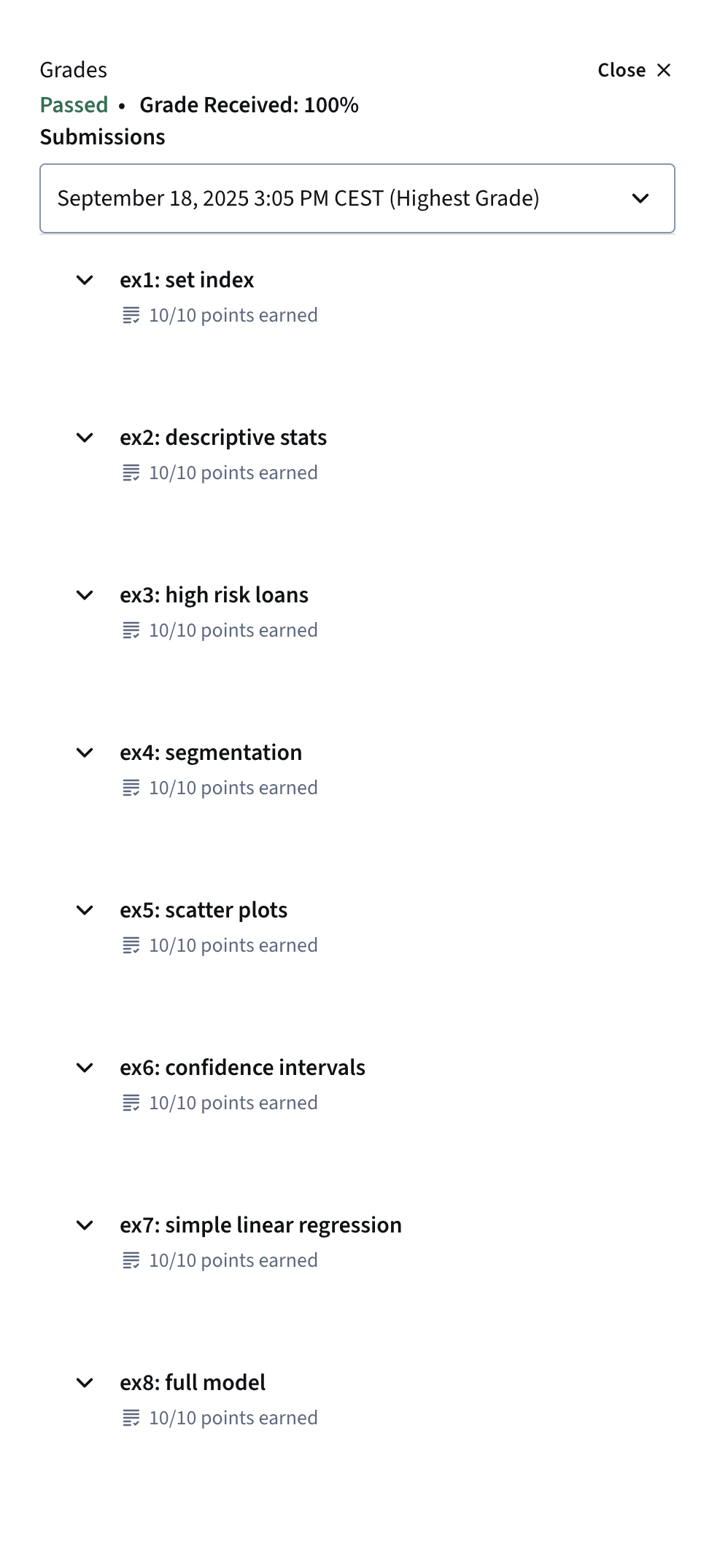

@Community-Team Can you please take a look at this issue?
Federico says that he already reset the notebook according to the instructions, but the issue with the grader persists.
Hi Federico. Can you send the notebook file to me via direct message? You can click my name then the blue message button. Thanks.
Also, from the error message in the latest screenshot, it says that the object required for grading is not found. This usually means that you might have renamed a variable. Please check all the tips mentioned here. That bug is mentioned in point 4 of those guidelines. If you followed them all but still getting an error, you can send the file to me to further investigate. Thank you.
Also posting here for other learners: The issue with exercise 4 is the boxplot_ax variable was deleted. You can review other submission guidelines in this post.