Completed the course and quizzes. Completed week 1 coding assignment and submitted - which worked perfectly well. But unable to do so for week 2 and 3. I looked see multiple other people complaining about similar problem in past but found nothing on how it got resolved. My code is correct because it matches expected code, it is even accepted by the auto grader. But when I submit - Using the Resubmit button - it stays at 0/100. It even gave me message that assignment accepted and yet nothing happens.
These statements are not self-consistent.
Passing the tests in the notebook does not prove your code is perfect. The grader uses entirely different tests, and a different runtime environment.
“Accepted by the autograder” doesn’t mean it worked correctly. Just that the grader process attempted to start running.
“0/100” means the grader found something it did not like. Either your code passed none of the tests, or it made the grader crash without giving you any score.
What is the detailed grader feedback? Please post a screen capture image.
ScreenShots.docx (589.3 KB) Uploading the screenshots. There are two exercises in it and I did both and ‘All Tests Passed’ message for both. Yet after submission, I don’t see any message etc on what (if anything) was wrong with my submission and score stays at 41/100 for this. It is same issue with week 3 where score stays at 0/100.
Please upload your images into the forum directly. There is an “Upload” tool available.
I am not going to open a link that could potentially contain a security problem (docx files can contain macros).
Understood. Putting the screenshots in the message itself. There are 2 exercises in the assignment. I get ‘All Tests Passed’ message for both the solutions.


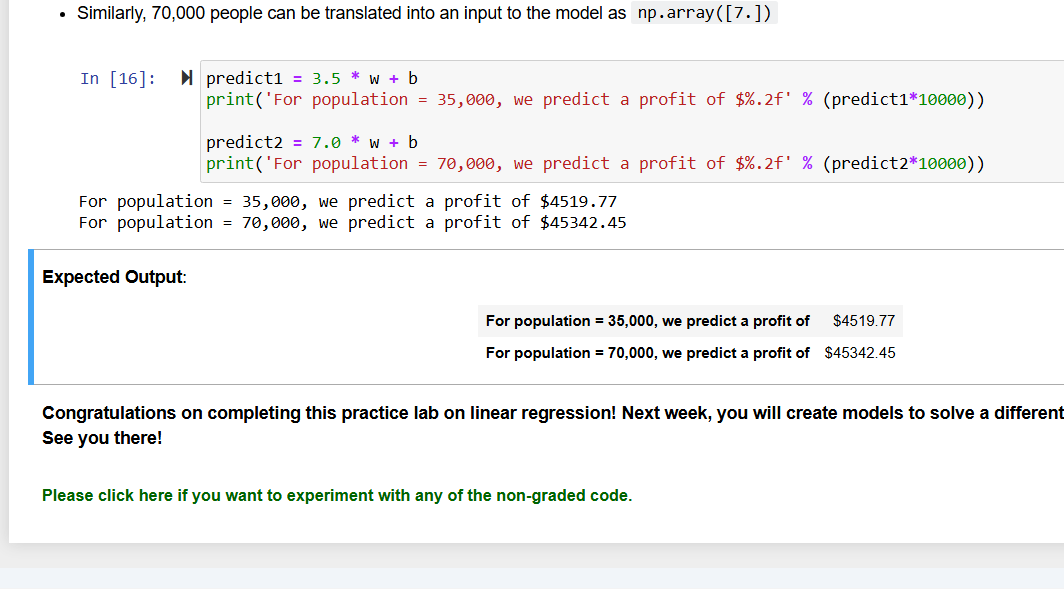
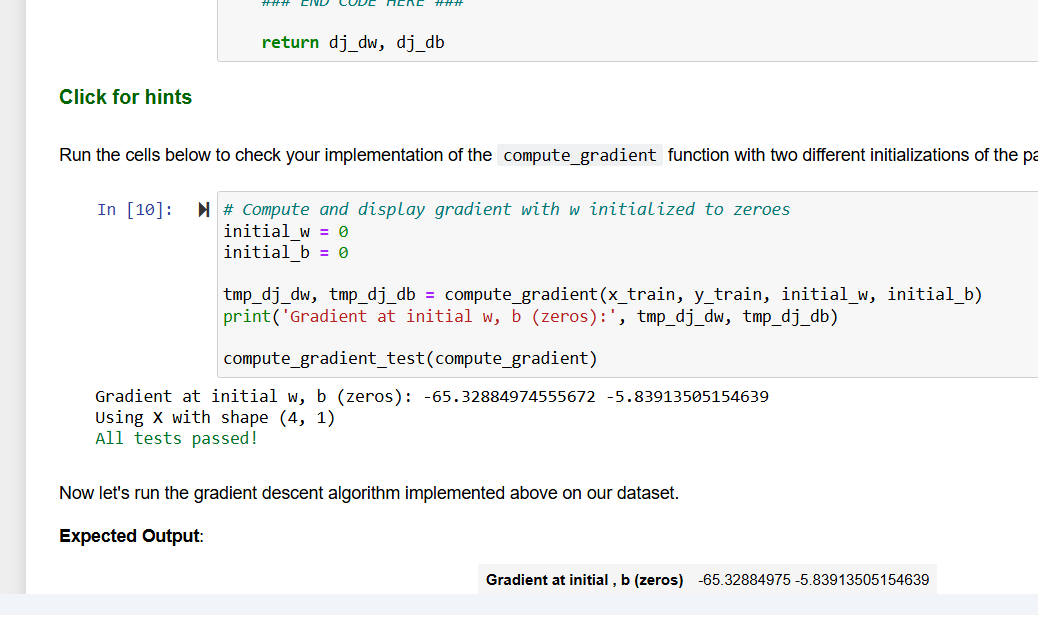

I’m looking to see the feedback from the grader, not the notebook test results.
I see none. No feedback is shown. Nothing happens. That’s what frustrates me since I have no clue what is going on. It starts with this window as soon as I submit for grading –

and then I reach this page –
and finally back to this page –

Hello @vpsn_99,
These is a 3-dot button on the right edge, and you need to drag it to the left to see the grader report.

Cheers,
Raymond
2 Likes
Thanks @rmwkwok @TMosh – The three button worked. I found out the issue. Much appreciated your help.
2 Likes
I have also found a similar issue with the autograder. I think there is an issue with the test case.
Error msg: Failed test case: Exception during compute_gradient test 1: name ‘np’ is not defined. Expected: None, but got: None. Failed test case: Exception during compute_gradient test 2: name ‘np’ is not defined. Expected: None, but got: None.

I think I found the issue. it seems the autograder copies the code in a separate function and runs it there. I had tried to initialize an array with np.zeroes in the code and may be the test function of the autograder has not imported numpy as np.
Yes, it does. So your code should not rely on using numpy for this assignment.