Week #1
Amazon Lab Link:
https://us-east-2.console.aws.amazon.com/datazone/home?region=us-east-2#/
Week#1 Lab#1
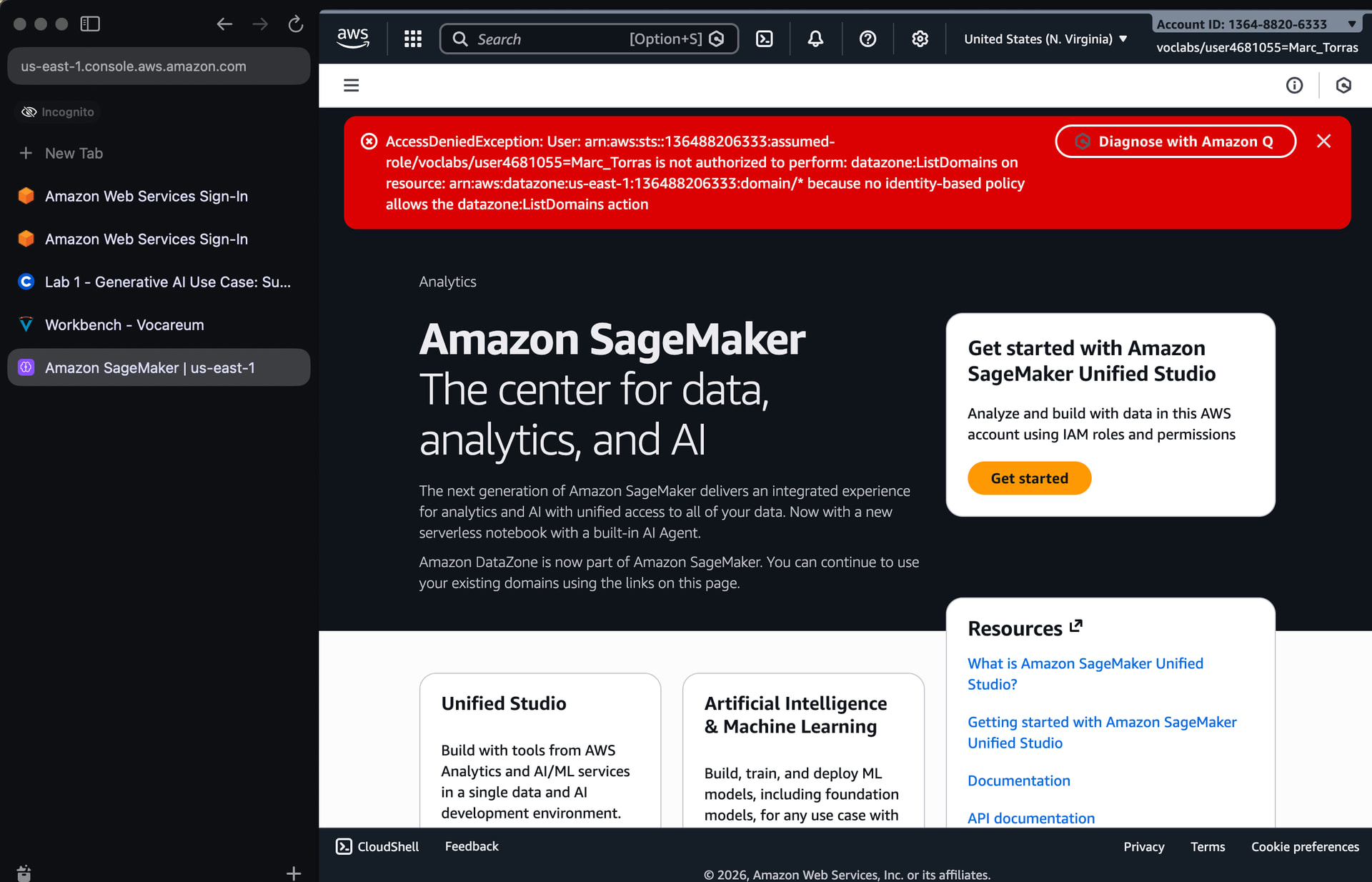
As soon as I type Amazon Sagemaker in the search bar, this error comes on the top and I cant move further. I have tried reloading clearing cache but nothing works. It’s not mentioned in the FAQs aswell .
- AccessDeniedException: User: arn:aws:sts::544958408214:assumed-role/voclabs/user3724150=Fatima_Ali_Zaidi is not authorized to perform: datazone:ListDomains on resource: arn:aws:datazone:us-east-2:544958408214:domain/*
Try to open these Labs in incognito browser mode, because i think you are using your own aws account!
@fatimaa.zaidi did the incognito strategy that @gent.spah mention work for you? the problem I find is that once in incognito, AWS is asking me to sign in, and then what how do I set up the free account?
Context: I have now in January 2026 a similar problem Lab 1: AccessDeniedException-AWS Console & Sagemaker - #2 by MarcTorrasLarson
Hi, I am not sure where you are going wrong here, because for me it goes through. Are you following the Lab steps correctly? You may try again in a few hours, I guess.
Perhaps first sign out of any AWS account you might be logged in from that computer.
Thanks @gent.spah the instructions and the current interface look a bit different and I got confused, I asked claude.ai and solved it that way and then @chris.favila answered too, thanks