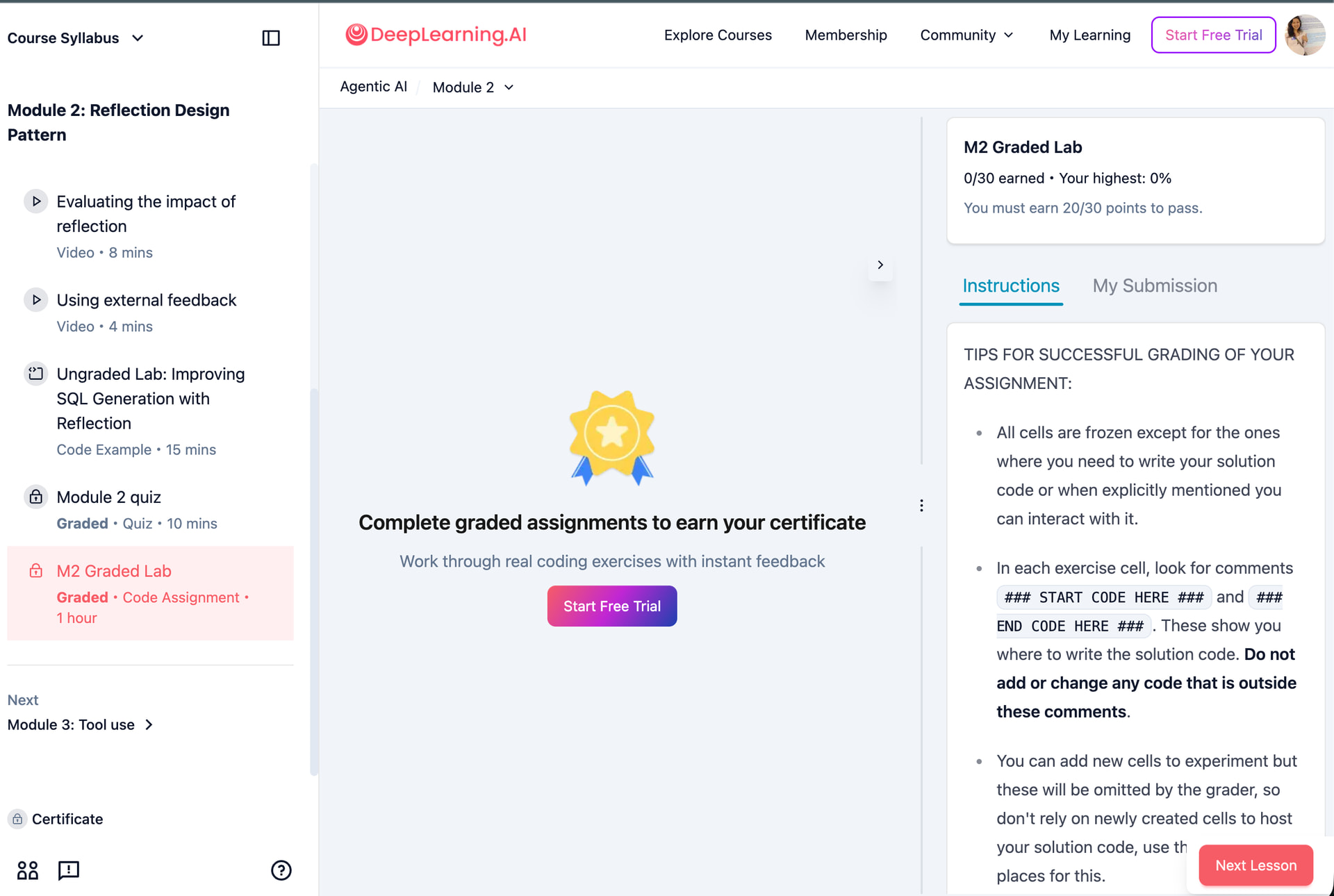
I went through the FAQ Topic here: FAQ: Frequently Asked Questions for all DLS Courses
But none of the steps worked. When I tried to do “Restore the original version”, I got a “Upgrade to pro” pop-up. But, I had already upgraded to Pro. When I again click on “Upgrade to Pro”, I get a notification in the bottom right as “Your subscription status has been upgraded. Please try again.” and then nothing happens, so I am not able to Restore the original version.
But I am able to submit all the graded Quizes successfully.
I suspect it has something to do with the subscription being in an inconsistent state, and there are no emails from deeplearning.ai which tells that my subscription has been upgraded, but the Quizes and Graded Assignment got opened up for me.
1 Like
My situation seems to be similar to this discussion: Missing submit button M1G1
@Community-Team
@lesly.zerna
can you please look into this issue.
@nvsabhilash kindly DM your login details to @lesly.zerna with brief explanation of your issue.
Also I would recommend to try clearing your browsing history and cache, and re-login and try again to open lab from classroom page, and see if submit button appears.
Sometimes trying a different browser also resolves such issue.
I’ve DM’d Lesly
Further, I’ve already tried all the other methods mentioned by you, including trying it in both Chrome, Firefox. Also in incognito mode.
1 Like
The issue is now fixed. I was finaly able to click “Upgrade to Pro”, which redirected to the payment page. After making a successful payment, now I am able to see Pro in my profile logo in right top, and also able to find the “Submit assignment” page.
Thanks for fixing the issue @Deepti_Prasad @lesly.zerna .
2 Likes
Thank you for reporting the issue and that it was solved.
I’m just curious that when you were asking about the “Submit assignment”, did you have a similar view to this (image below)? just to explore that could have been the cause for the issue!
Thanks!
Hi Lesly,
That is correct. I did NOT see the page as shown in your screenshot. Although the “Upgrade to Pro” button was still visible in the top right corner, I was able to access the Notebooks because I had activated the free trial.
The issue is resolved now, but here is the sequence of events that might have caused it:
-
I was working on a short course and wanted the Accomplishment, so I upgraded to the 7-Day trial.
-
I still couldn’t access the necessary features, but a pop-up appeared asking me to “Upgrade to Pro” before the trial ended.
-
When I clicked it, the system said the upgrade was successful, yet the “Upgrade to Pro” button remained in the top right.
I assumed the button was a temporary UI glitch because I was subsequently able to access the Graded Assignments (which were previously unavailable) and receive the accomplishment.
Regards, NVS Abhilash
Thanks!
1 Like
Submit button didn’t appear in your case because one needs to take pro membership paid subscription, although the trial allows you access to assignment, doesn’t allow you to submit to assignment or get certificate.
1 Like
Yes, if you see the second and third step above. I was trying to do the same, i.e. paying while being in the 7 Day trial which initially gave a notification that you have been upgraded - which I verified after I was able to access the Mini Course completion accomplishment. Later, for graded assignment, the submit assignment button was not present and Upgrade to Pro button also was not working (got a notification in the bottom right as “Your subscription status has been upgraded. Please try again.”)
2 Likes
Thank you for the reply for all detailed steps mentioned! Super useful to improve the learning experience. I just reported with the team!
2 Likes