HIi, I am new to Python . I downloaded it from the website then opened something called Python 3.13 (64-bit), I write the code from the class to install NumPy (and from google) but no use. I am confused.
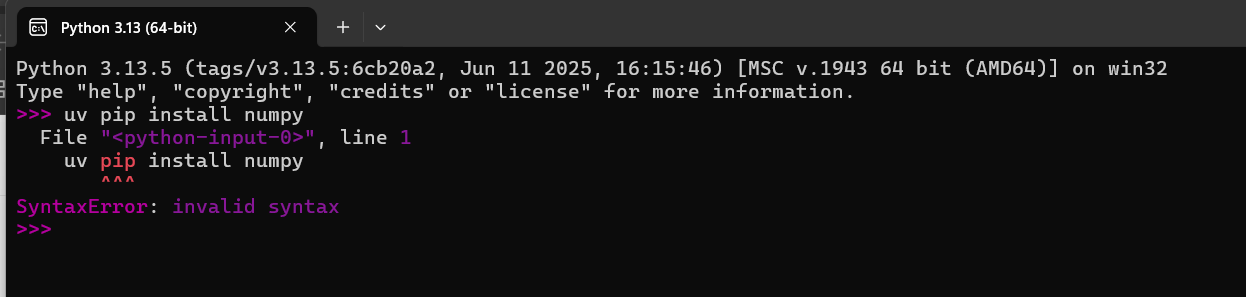
Try “pip install numpy”


open powershell,
type python --version to see if python is correctly installed
after that type “pip install numpy”

Did you open PowerShell as an administrator?
i will now
powershell was in the dropdown menu within the python thing I had open
I tried after assigning as admin but same message (no python found)
I also traced it to the location and found 2 python aliases ON

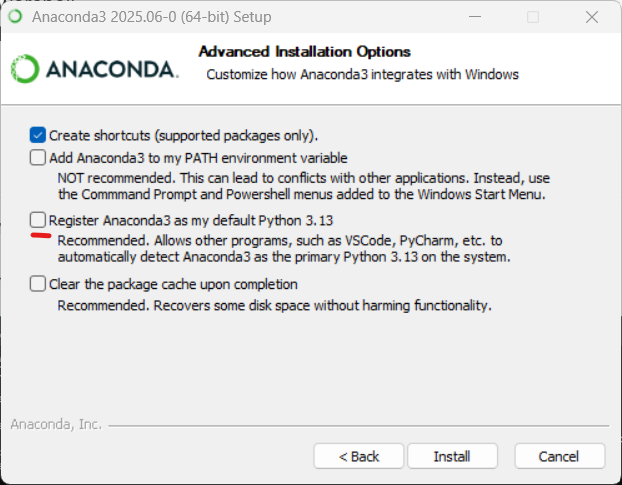
i would suggest, completely remove python from the system and start the installer again with recommended settings.
ok, can you send me a link on how to install python properly?
Python for AI #1: Dev Environment Setup
This is the best tutorial.
If you’re attending the Machine Learning Specialization, you don’t need to install any tools locally.
You’ll get in a very confused state if you try to work on the course assignments locally, because you won’t be able to run them without modifications, and you won’t be able to submit them for grading.
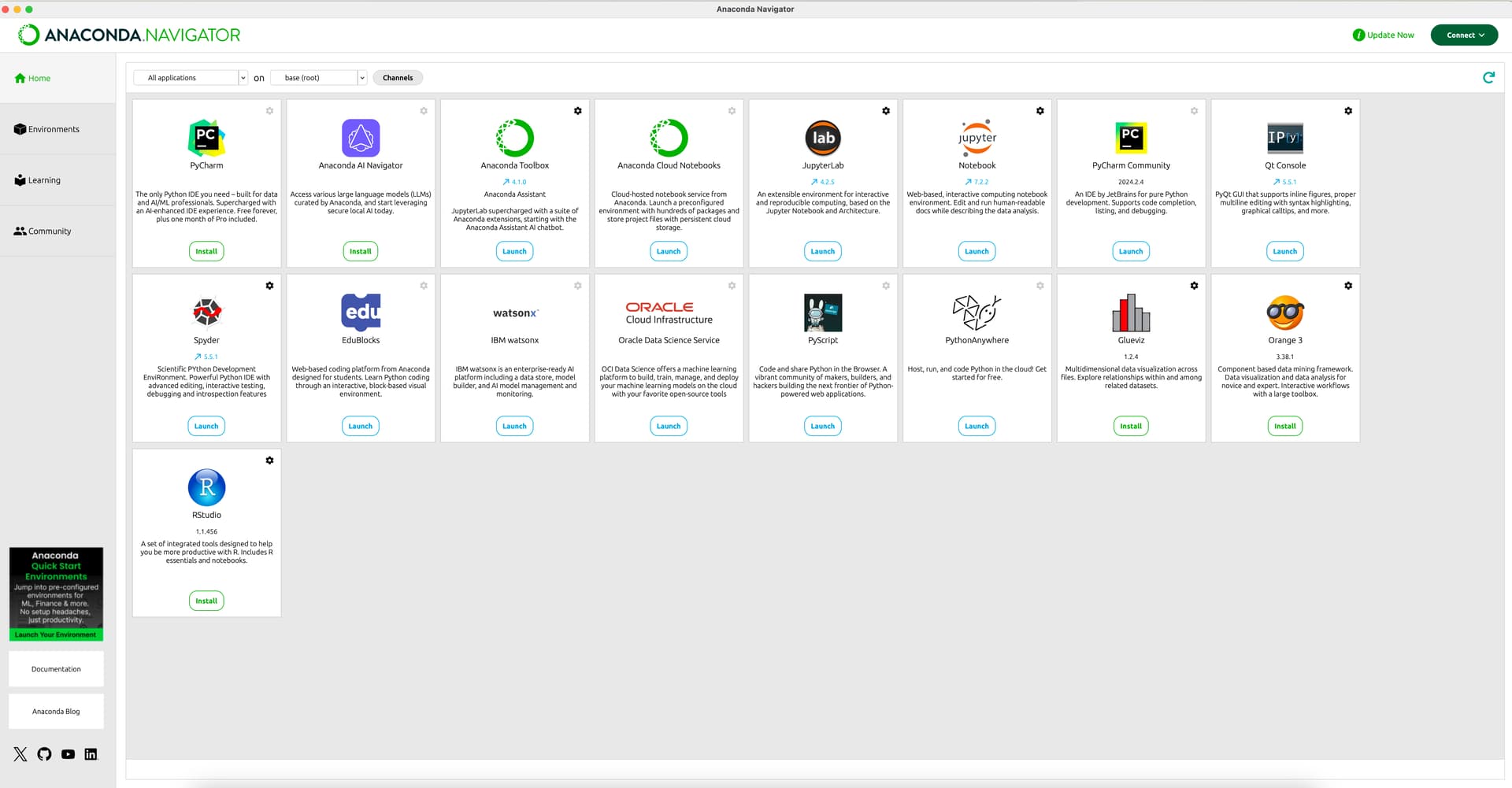
thank you everyone! A colleague suggested Visual Studio Code too! And we went to Environment Variables and added a path to python. Let’s hope it works with your tips too! <3